
Is It Really a Spreadsheet Problem? Signs Your Operations Have Outgrown Their Systems
Every company has one: the spreadsheet nobody’s allowed to delete.
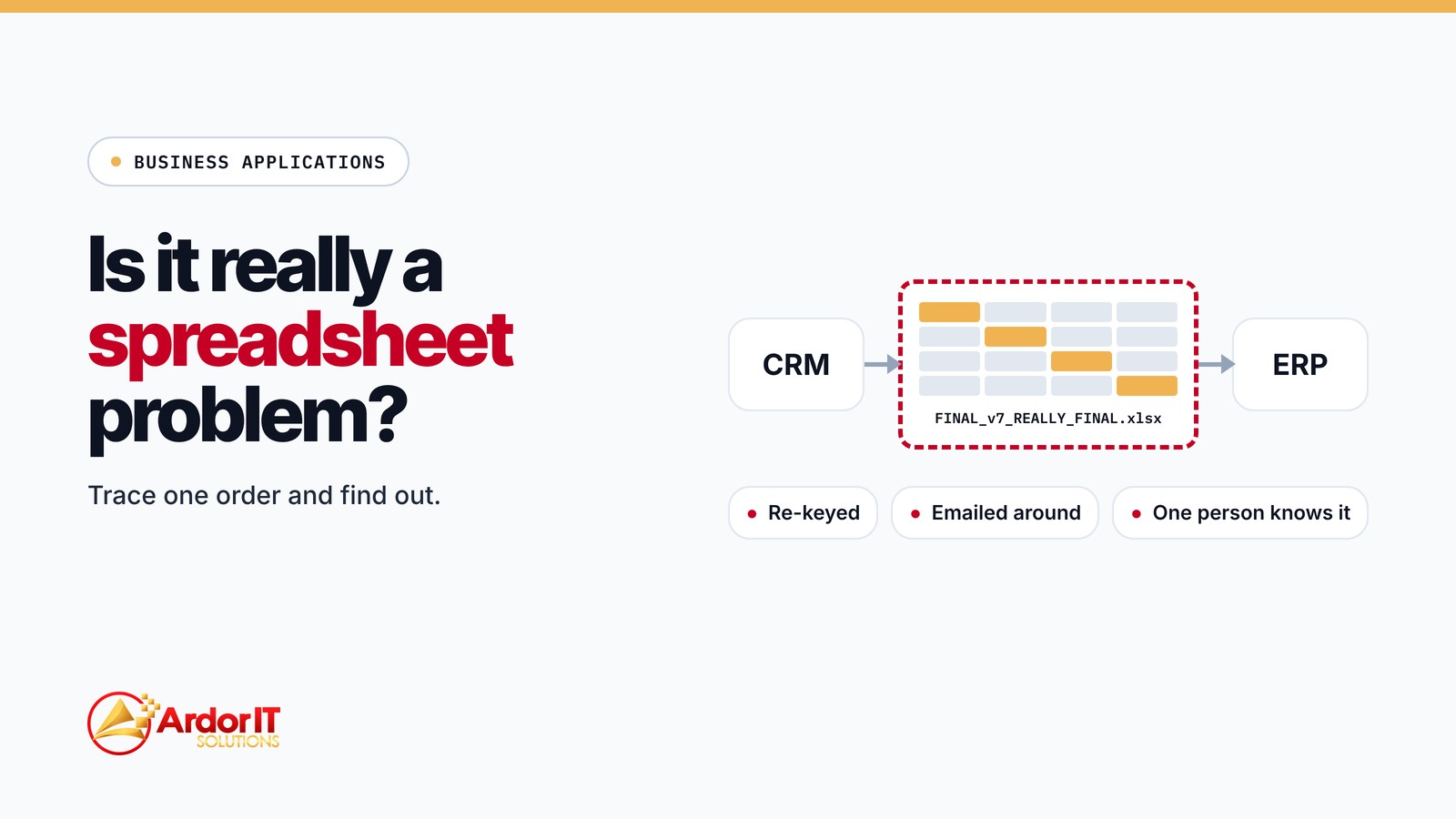
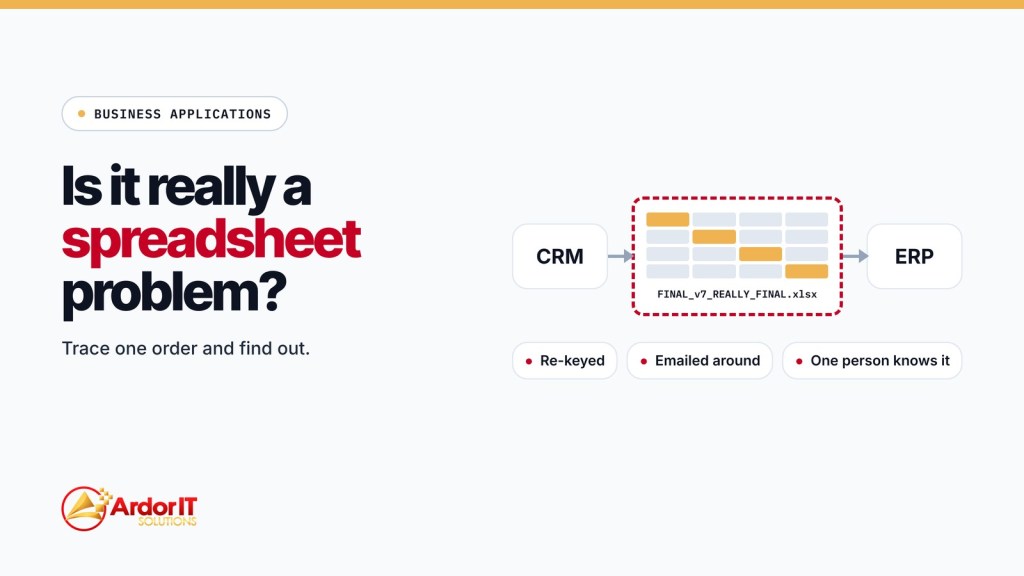
It reconciles the CRM with the ERP. It tracks what the warehouse system can’t. It’s been emailed around so many times that “FINAL_v7_REALLY_FINAL.xlsx” is the official version, and only one person knows exactly how it works.
It’s easy to call that a spreadsheet problem. Often, though, the spreadsheet is doing a job your systems, your process, or your ownership model should be doing. The file isn’t the problem. It’s the evidence.
Every workaround has a home
Spreadsheets fill gaps. Somewhere between your CRM, your ERP, and your billing tool, information has to move, and when the systems don’t move it, people do. They export, paste, re-key, and check. The workaround keeps the business running, which is exactly why nobody wants to touch it.
That’s not a failure of the people involved. It’s usually a sign the business grew faster than the way its systems were connected, or that nobody was ever assigned to own the handoff between them.
Signs your operations have outgrown their systems
None of these proves anything on its own. Together, they’re worth a closer look:
The same order gets entered in more than one place. Sales enters it, operations enters it again, and billing confirms it a third time.
Locations can’t see each other’s information. A branch calls another branch to check inventory, or a field team waits on the office to confirm what’s in stock.
Billing waits on reconciliation. Invoices go out once someone has made two sets of numbers agree.
Month-end takes longer every quarter. The close depends on a few people and a few files, and everyone holds their breath.
One person is the system. If the person who maintains the spreadsheet takes a week off, a process slows down or stops completely.
The cost hides in plain sight
Manual workarounds rarely show up as a line item. Each re-keyed number takes a few minutes and creates one more chance for two systems to disagree. Multiply that by every order, every location, and every week, and the cost turns up as late invoices, reports nobody trusts until Friday, and skilled people spending their time making numbers match.
Ask: How many hours a week does your team spend moving or reconciling information that already exists somewhere else?
Start with the flow, not the tool
The natural reaction is to shop for a new platform. Sometimes that’s the right answer. But a new tool layered onto an unclear process may just end up creating a new place to re-enter data. Before you buy anything, map how one real piece of work moves today.
Here’s a 30-minute exercise you can run this week:
- Pick one real order from last week. A typical one is better than an exceptional one.
- Follow it from the first quote to the final invoice, and write down every stop.
- At each stop, note which system or file it lived in.
- Mark every place someone typed something that already existed somewhere else.
- Note how long it sat before the next step began.
- Write down who fixes it when the numbers don’t match.
Do it with the people who touch the order, not just the people who manage them. They’ll know about the side spreadsheet, the extra email, and the step that isn’t written down anywhere.
Ask three questions
Once the map is on the wall, three questions do most of the work:
Which system is the source of truth for each piece of data? If two systems both hold the customer’s address or the order total, decide which one wins.
Where does data get re-entered by hand? Each re-keyed step is a candidate for a process change, an application change, or a better handoff.
Who owns the fix when two systems disagree? If the honest answer is “whoever notices,” ownership is part of the problem.
What the map may tell you
The exercise can point in different directions, and that’s the point. You may find a systems issue: applications that don’t share information they should. You may find a process issue: approvals or handoffs that make work wait, which is where our Operational Velocity Index explainer can help. You may find an ownership issue that no software will fix on its own. Or you may find a capacity gap, where the process is sound but the team is stretched.
You may also find that most of the flow works well and only one step needs attention. That’s a good outcome too. It means you can fix the step that matters instead of replacing everything around it.
The bottom line
The spreadsheet isn’t the enemy. It’s the clearest signal you have about where your systems, process, or ownership need work. Map the flow before you decide what to change, and let one real order show you where to start.
Trace one order this week. Count the stops, the re-typed steps, and the waits. Then talk with us about the business applications behind your workflow and what, if anything, needs to change.